
Auth & security
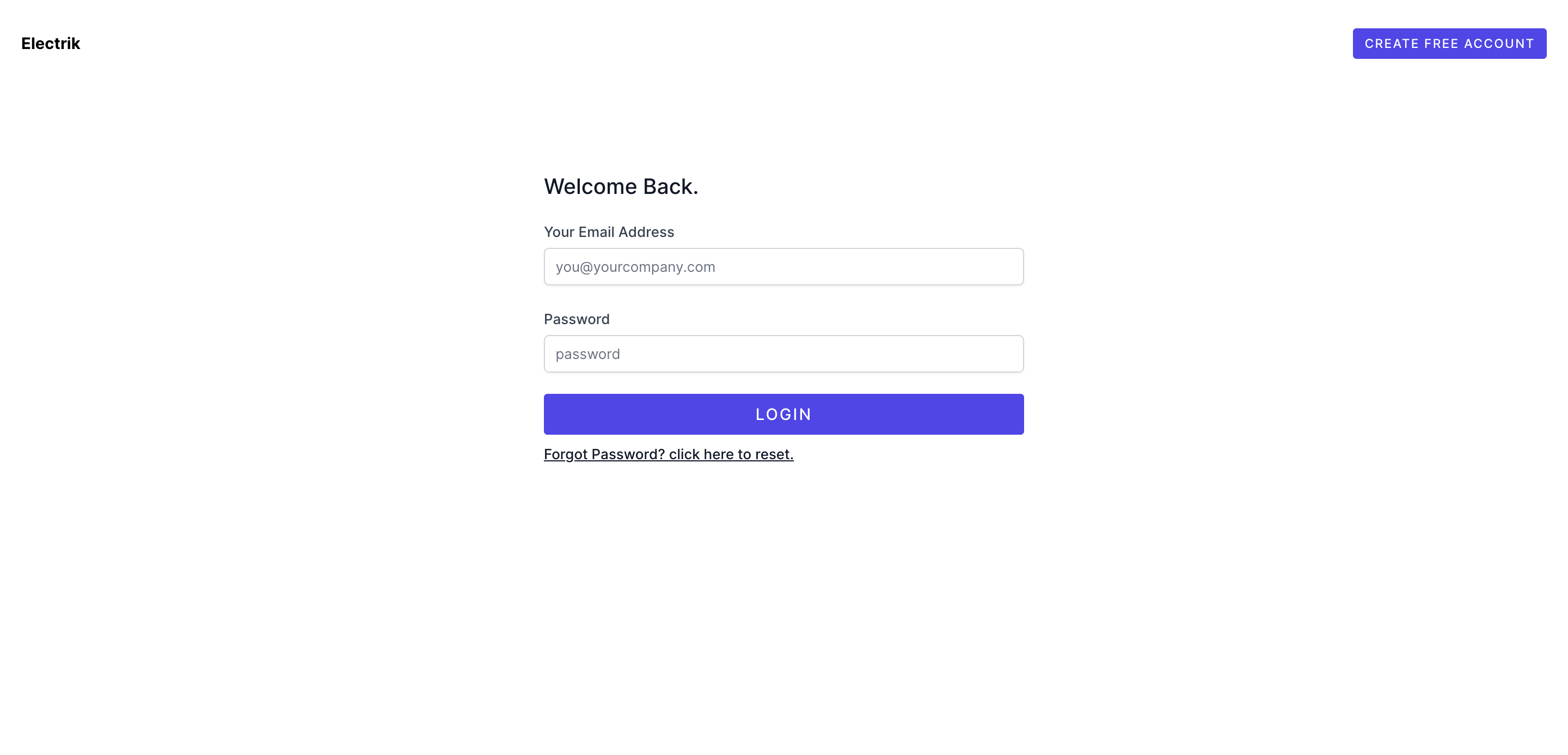
Flows
- Login / logout
- Registration (
ELECTRIK_REGISTRATION) - Email verification (
ELECTRIK_EMAIL_VERIFICATION) - Forgot / reset password
- Remember me
- Magic link email sign-in (
ELECTRIK_MAGIC_LINK) - Socialite providers (
ELECTRIK_SOCIALITE_PROVIDERS) - Passkeys (laravel/passkeys) when installed
Details for social + magic link: Social login & magic link.
Two-factor authentication
Account Security settings include TOTP 2FA (enable, confirm, recovery codes) via pragmarx/google2fa-laravel.
Passkeys
When laravel/passkeys is present, users manage passkeys under Security and can sign in with a passkey button on login. Ensure APP_URL matches the origin browsers use (localhost vs 127.0.0.1).
Sessions & devices
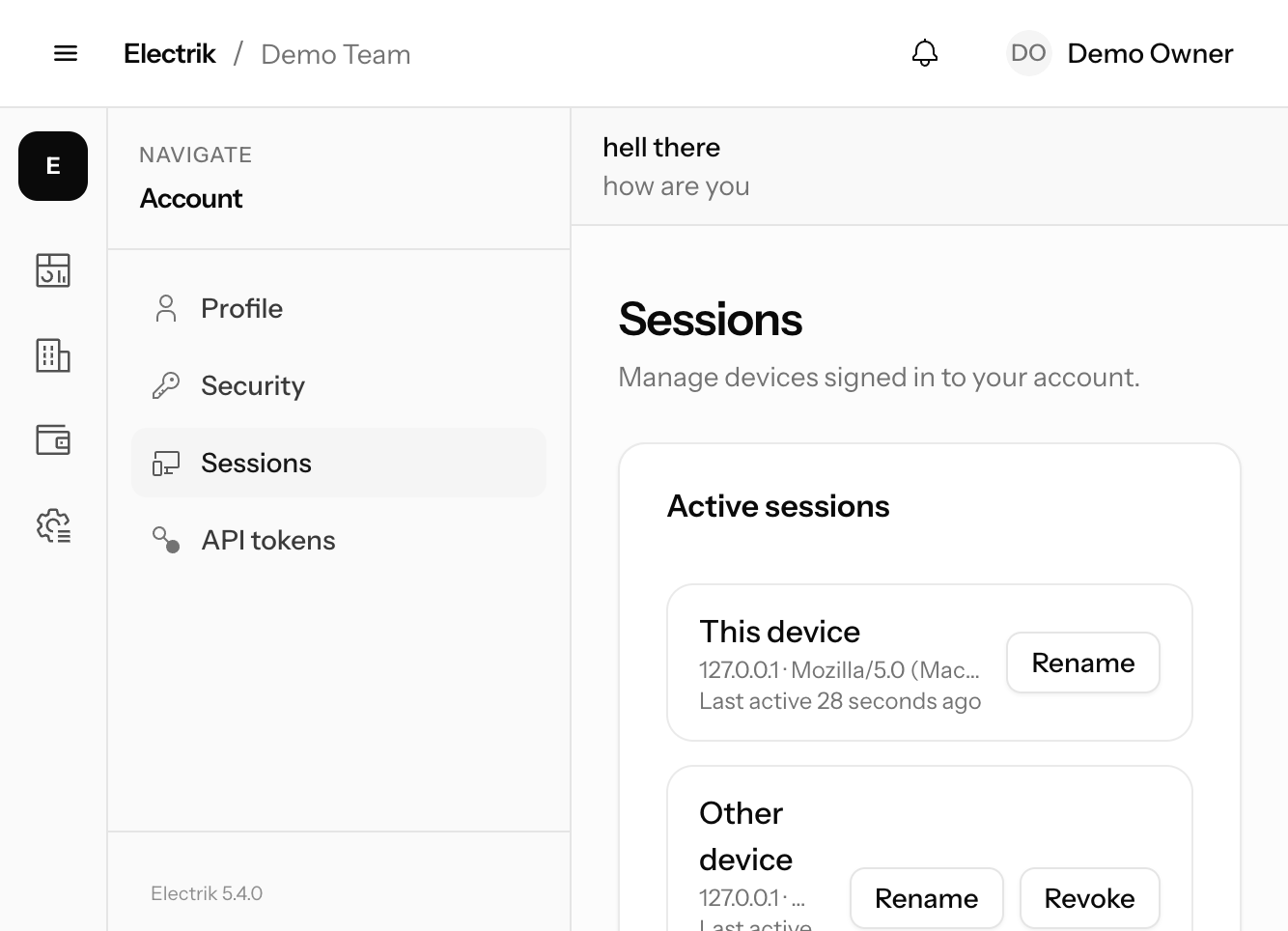
Settings → Sessions lists database sessions (SESSION_DRIVER=database):
- Rename a device (
session_labels) - Revoke other sessions (password confirm)
- Authentication log (rappasoft) with success / failed / suspicious filters
Login alerts
When ELECTRIK_LOGIN_ALERTS=true (default), a successful sign-in from a new IP sends mail + database notification. Familiar IPs (seen in the auth log) are skipped.
Team IP allowlist
Owners can set allowed IPs under Teams → Settings. When set, electrik.team-ip middleware blocks app/billing/team routes if the request IP is not listed. Empty allowlist = allow all.
Suspended users
Operators can suspend accounts from /ops/users. Suspended users cannot complete Socialite or password login.
API tokens
Sanctum personal + team-scoped tokens live under Settings → API tokens. See API tokens.
Post-login destination
ELECTRIK_HOME (default /dashboard) — subject to onboarding and subscription gates.